
HWTimeSaver HeroSync Guide: Instantly Update Heroes and Titans in Hero Wars Alliance

Keeping your heroes and titans updated in Hero Wars Alliance can feel overwhelming. However, with HWTimeSaver back in action, managing your stats has never been easier. The HWTimeSaver HeroSync and TitanSync Guide is designed to help you update your hero and titan powers quickly, accurately, and without any errors. Imagine no more manual typing, no more copying names one by one, and no more submitting training data by hand. In just seconds, HWTimeSaver identifies all your heroes, their relics, and their power values directly from screenshots, while titans are just as simple to handle. Once you load your data, you can instantly update other bots with just a click, saving time and reducing mistakes.
What HWTimeSaver Does and Why It Matters
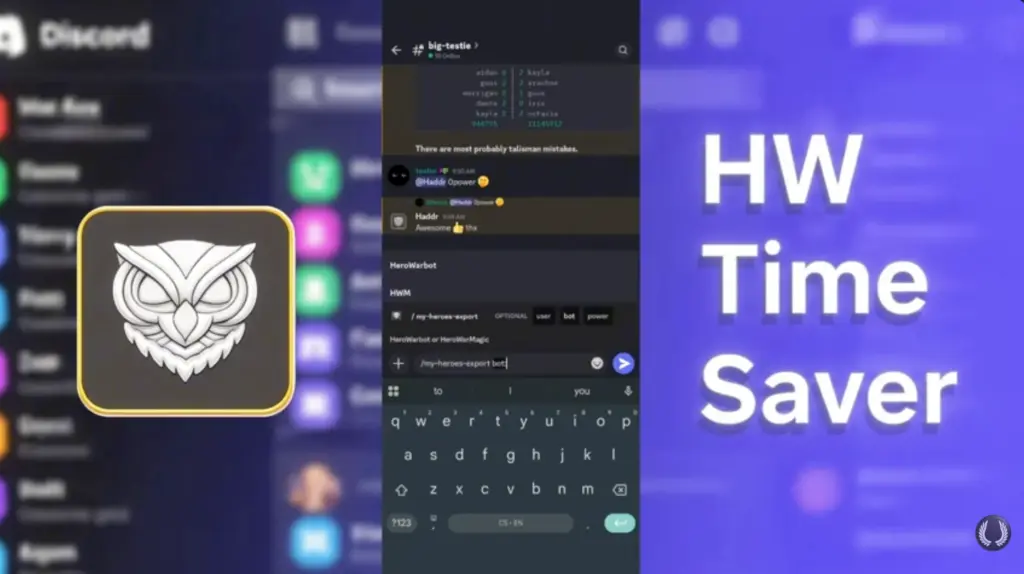
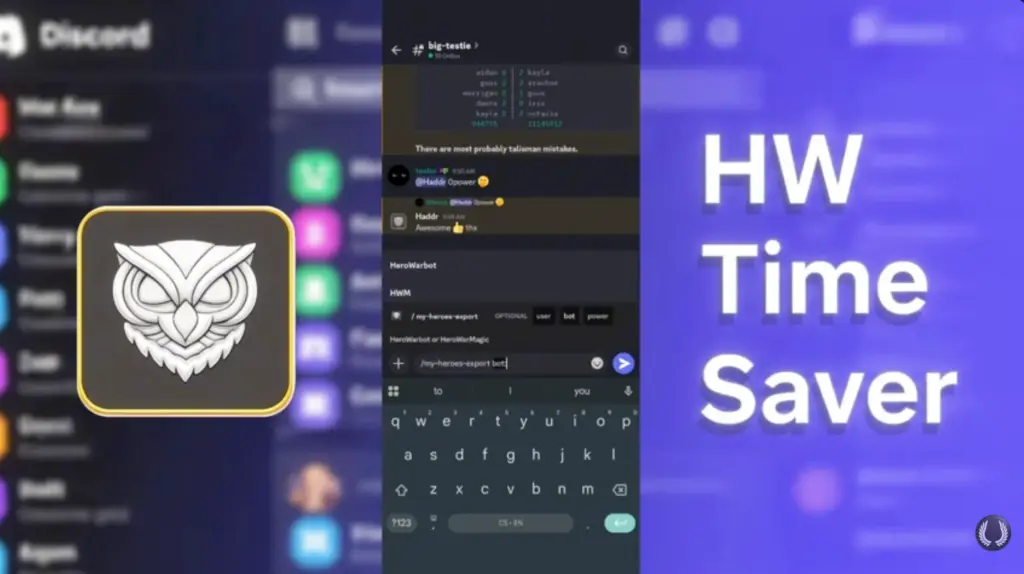
HWTimeSaver HeroSync and TitanSync is more than just a tool—it’s a key ally in Hero Wars Alliance. Its HeroSync and TitanSync features form the foundation of nearly every command you’ll run. By keeping your heroes and titans updated, you ensure that all bots, including Hero Warbot and HWM bot, work accurately and efficiently. This eliminates errors, automates repetitive updates, and allows you to focus on strategy and gameplay instead of tedious manual work.
Unlocking HeroSync for Yourself and Your Guild
HWTimeSaver HeroSync and TitanSync is available for free, and Tier 1 membership includes it. Even without Tier 1, you can unlock it for yourself or your entire guild by earning points. To check your current points, type /my-points, and TimeSaver will display your total instantly. You only need 60 points to unlock HeroSync for yourself, while 300 points unlock it permanently for everyone on your Discord server.
How to Earn Points in TimeSaver
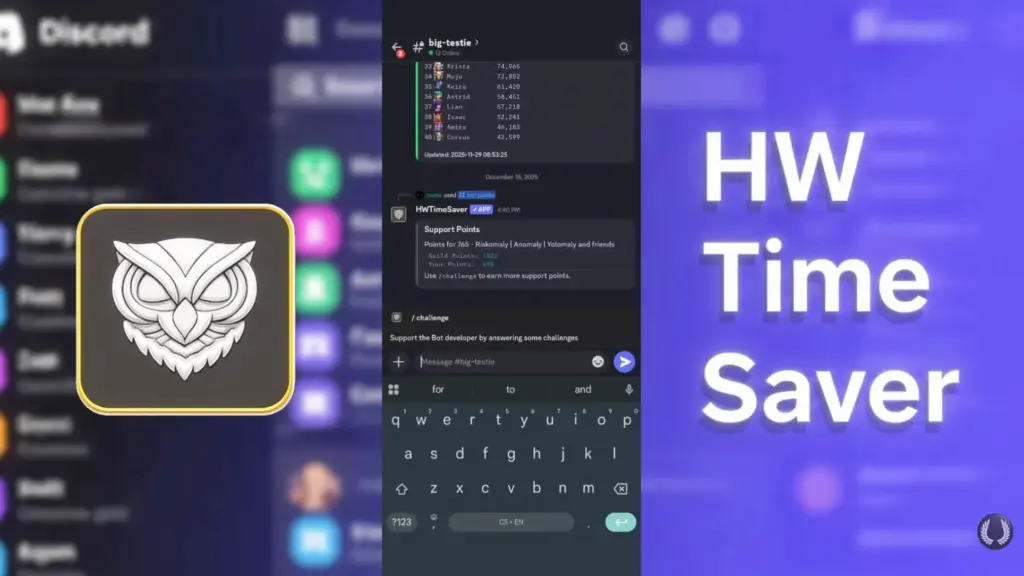
Now in HWTimeSaver HeroSync and TitanSync, Earning points is simple. Type /challenge, answer a few quick questions, and press a couple of buttons. Completing challenges not only brings you closer to unlocking HeroSync but also improves the TimeSaver bot. Moreover, the more challenges you complete, the better the bot becomes at recognizing heroes and powers, ensuring smarter performance and stronger tools for all users. In essence, you’re not just unlocking features—you’re contributing to the development of the bot itself.
Preparing for HeroSync and TitanSync

Before using HWTimeSaver HeroSync and TitanSync, proper preparation is crucial. Start by checking your Airship Expeditions and ensure that none of your heroes are currently on an expedition, as their powers will not be recognized correctly if they are. Then, take screenshots of your hero list. Make sure that at least two full rows of heroes are visible, with all power values clearly shown. Continue capturing screenshots until all heroes are included.
With preparation complete, you’re ready for the next step. This process is simple, quick, and sets the stage for accurate updates.
Updating Heroes Using HWTimeSaver HeroSync
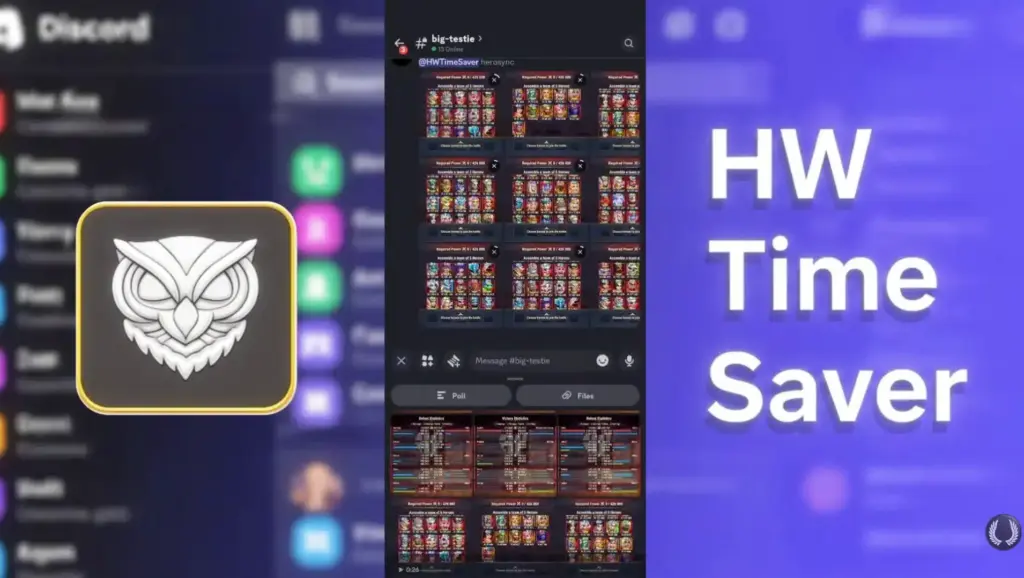
Once your screenshots are ready, return to Discord and run the command @HWTimeSaver HeroSync. Upload up to ten screenshots at a time, making sure you tag the bot itself and not the role. Within seconds, HWTimeSaver HeroSync and TitanSync will process the screenshots and decode each hero along with their power values. A button will appear, allowing you to export the command containing all heroes and stats. Copy and paste the command, and your heroes are fully updated. At this point, Hero Warbot automatically receives the updated stats, ensuring everything is ready for gameplay.
Updating Titans Using TitanSync
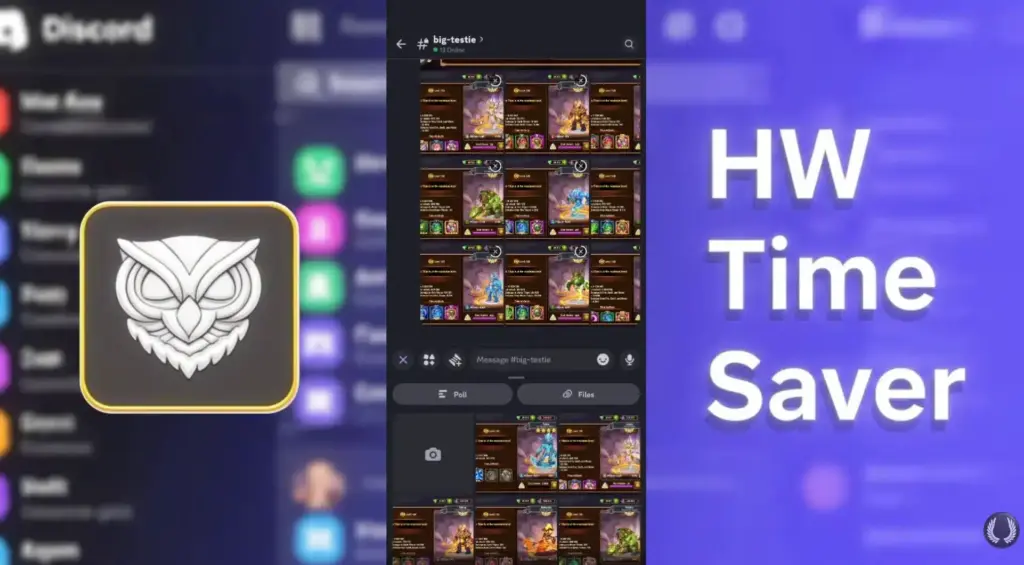
Updating titans is even easier. Simply take a screenshot of each titan and run the command @HWTimeSaver TitanSync. Keep in mind that TitanSync is available on your server only if you are a Tier 1 supporter. Once your heroes and titans are loaded into TimeSaver, the command /export-my-heroes becomes available. This command generates the update for all heroes and titans, and you can even export powers directly into HWM bot. TimeSaver contains several hidden features like this that make the process seamless and powerful.
Handling Bugs and Ensuring Accuracy
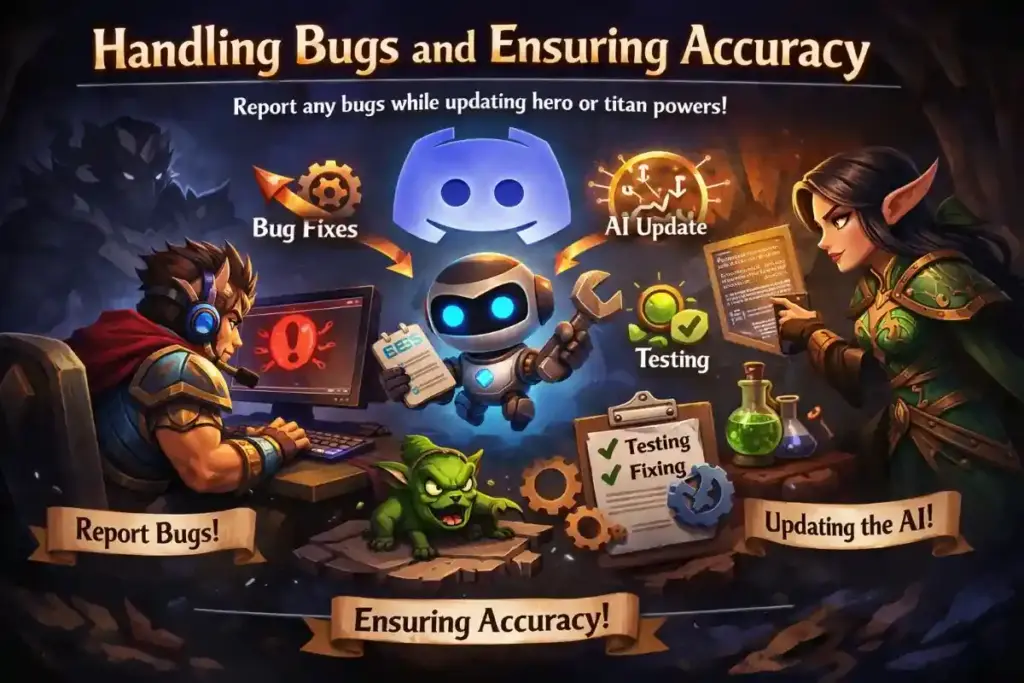
If you encounter any bugs while updating hero or titan powers, report them immediately. The HWTimeSaver team actively reviews reports, fixes issues, tests improvements, and releases updated versions of the AI recognition. Regular feedback ensures the bot continues to operate accurately and efficiently for all users.
Why HWTimeSaver HeroSync and TitanSync Are Essential
HeroSync and TitanSync are two of the most critical features you’ll use regularly in Hero Wars Alliance. Without accurate hero and titan powers, no bot can function correctly. HWTimeSaver HeroSync and TitanSync minimizes mistakes, automates updates, and saves a significant amount of time. Whether you are updating your own heroes or coordinating an entire guild, HWTimeSaver ensures that every bot command runs smoothly, allowing you to focus on strategy and gameplay.
Check out: HWTimeSaver Eternal Frontier Guide: Hero Wars Alliance
HWTimeSaver Discord Bot Guide for Hero Wars Alliance
Hero Wars Global Server Update Server Unification: The Dominion Changes Forever
FAQs: Top HWTimeSaver HeroSync and TitanSyn Question
You can unlock HeroSync for yourself by earning 60 points. To unlock it permanently for your guild, you need 300 points. Points are earned by completing /challenge commands in TimeSaver.
No, you can unlock HeroSync for free with points. However, some TitanSync features and server-wide access require Tier 1 support.
Ensure no heroes are on Airship Expeditions. Capture screenshots showing at least two full rows of heroes with all power values visible. Continue until all heroes are included.
Take screenshots of each titan and run @HWTimeSaver TitanSync. TitanSync is only available on servers where you are at least a Tier 1 supporter.
Report any issues to the HWTimeSaver team. They regularly check reports, fix bugs, test improvements, and release updated versions of the AI recognition.